For iPhone. Coming soon to the App Store
You talk. We cut.
Record the way you actually talk, restarts and all. Rant cuts the pauses, the mistakes and the walk-offs and hands back a video ready to post, with captions in your style if you want them.
Rant Pro starts with a 7-day free trial for eligible new subscribers.
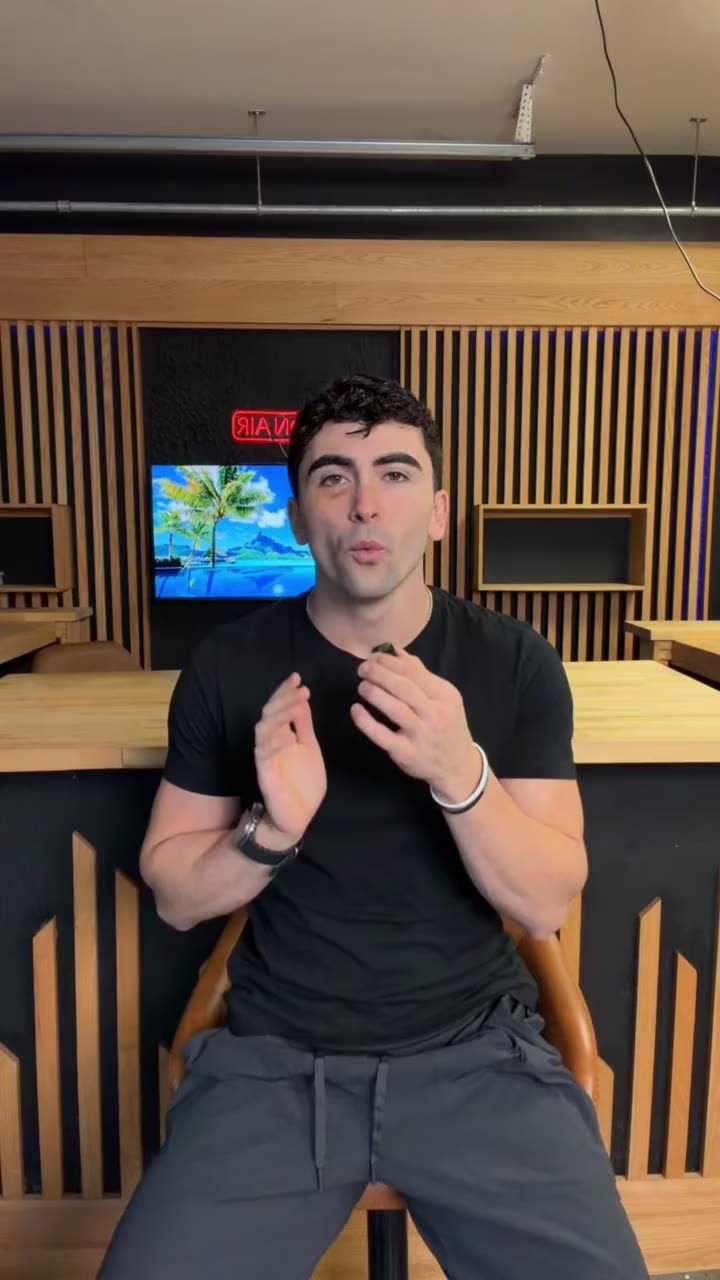
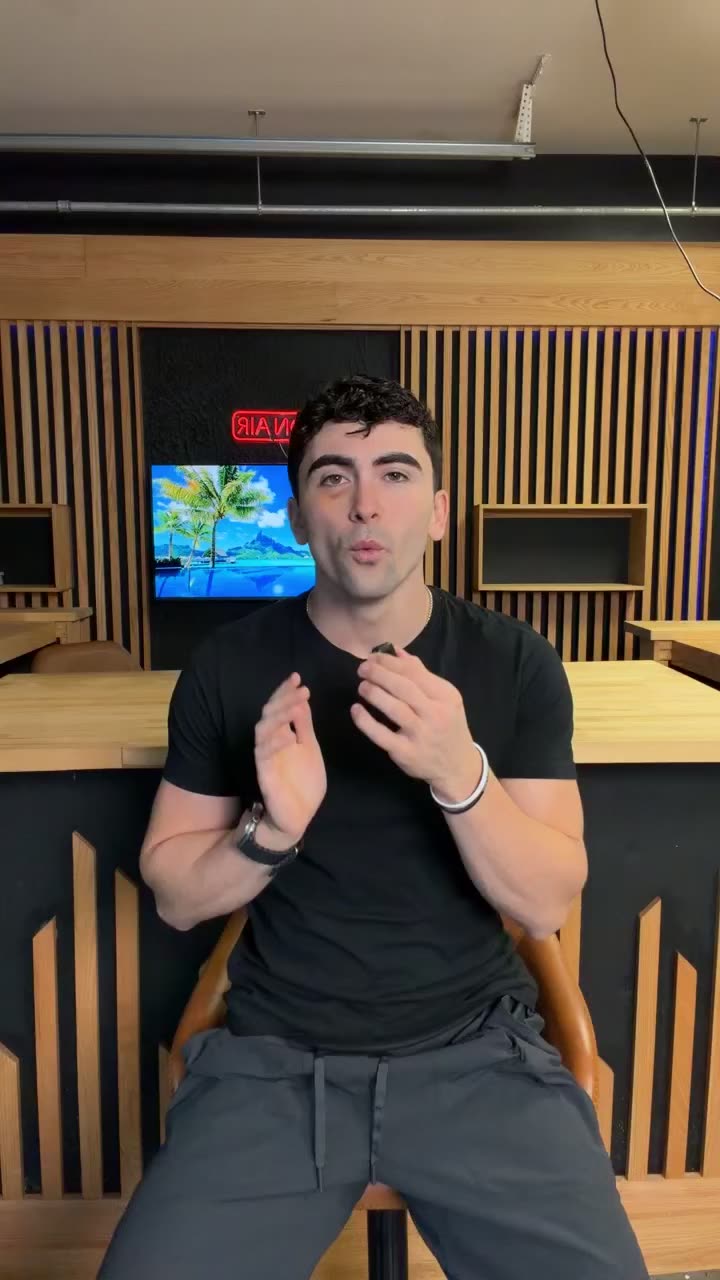
Real footage, and the video Rant made from it. Two cuts, 4.6 seconds gone.
Sound familiar?
Talking is the easy part. Editing is what stops people posting.
Scrubbing back and forth for every pauseRant finds the dead air and cuts it for you.Starting over because you stumbledKeep talking. Rant keeps the take that works.Typing out captions by handCaptions in your style, whenever you want them.Staring at a blank page before you filmStart from an idea and read it off the teleprompter.Editing every video one at a timeHand over up to eight at once.
The editor
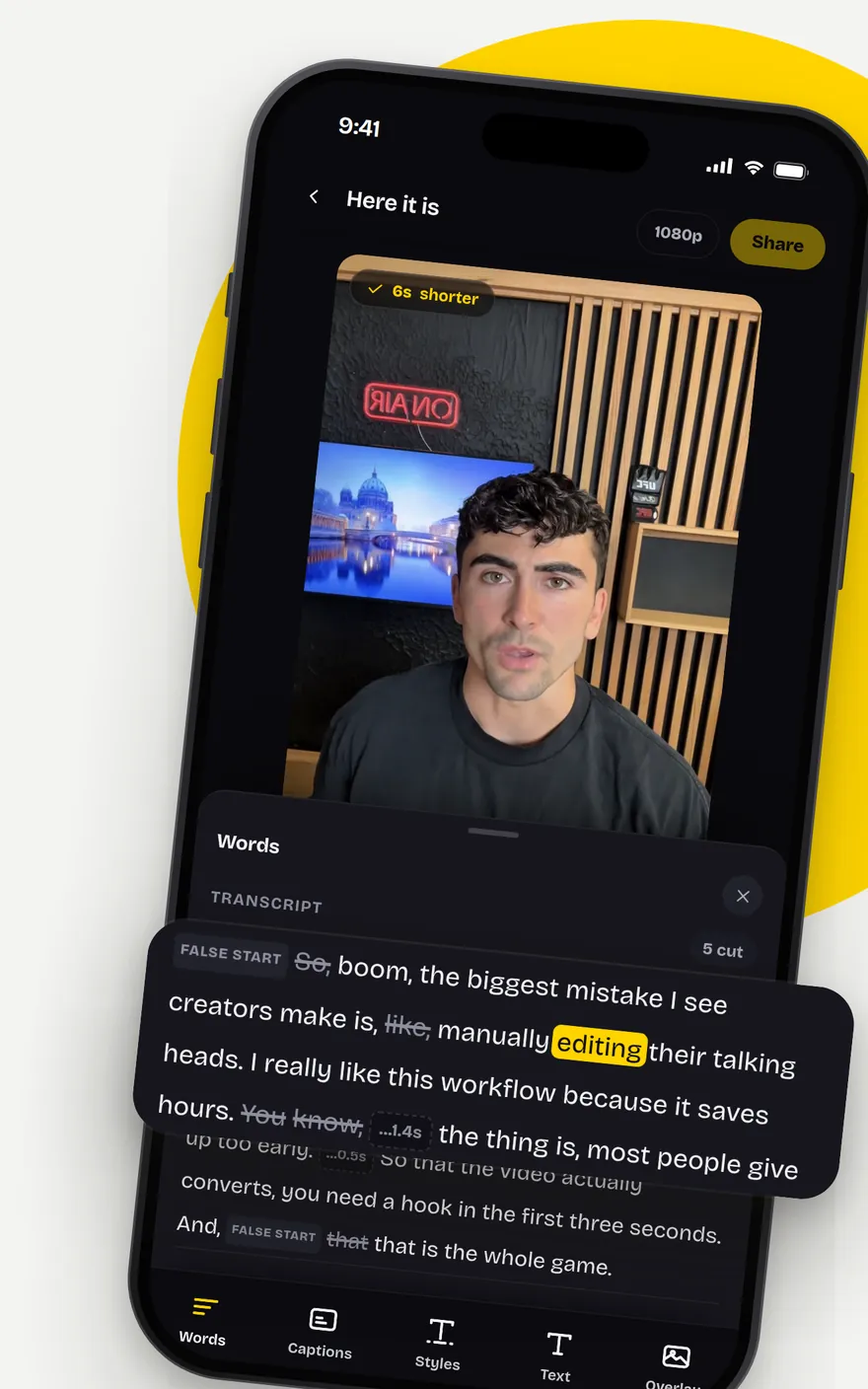
Edit the words. Not the timeline.
Every cut Rant makes shows up in your transcript. Don’t like something you said? Take it out. Change your mind? Tap it and bring it right back.
How it works
Three steps. Only the first one is yours.
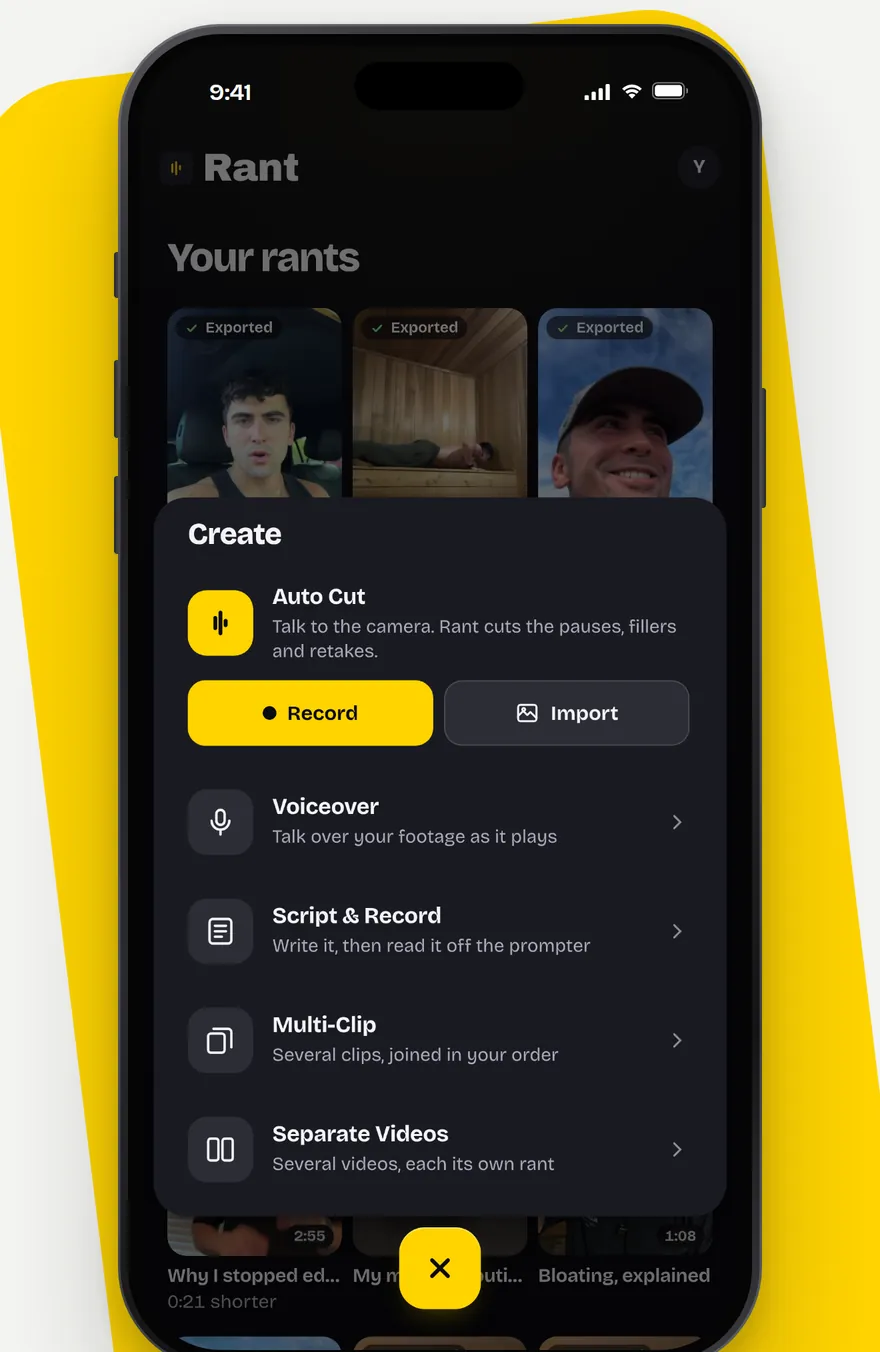
1Record or import
Film in the app, or pick a video you already shot.
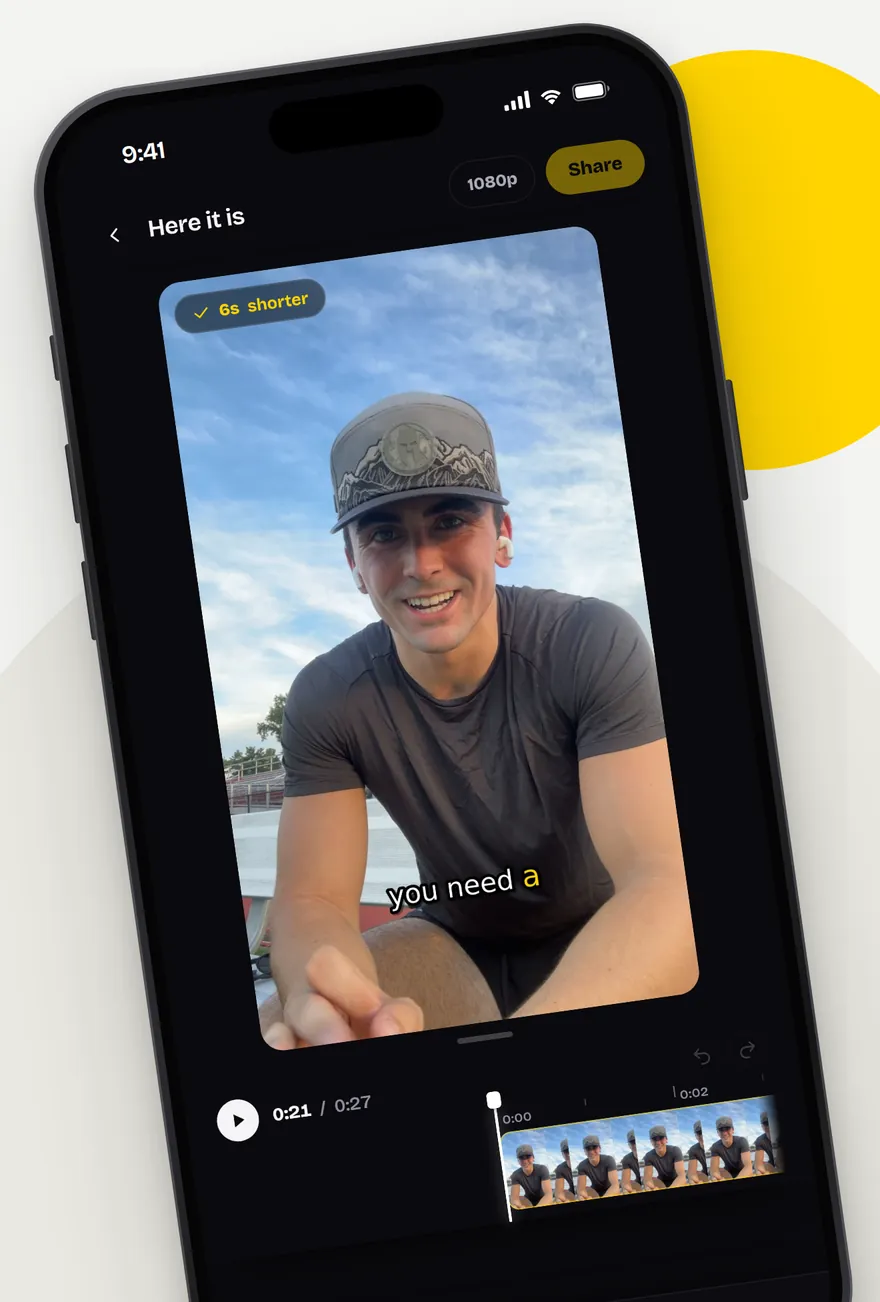
2Rant cuts it
Pauses, false starts and retakes come out. Add captions in your style, or leave them off.
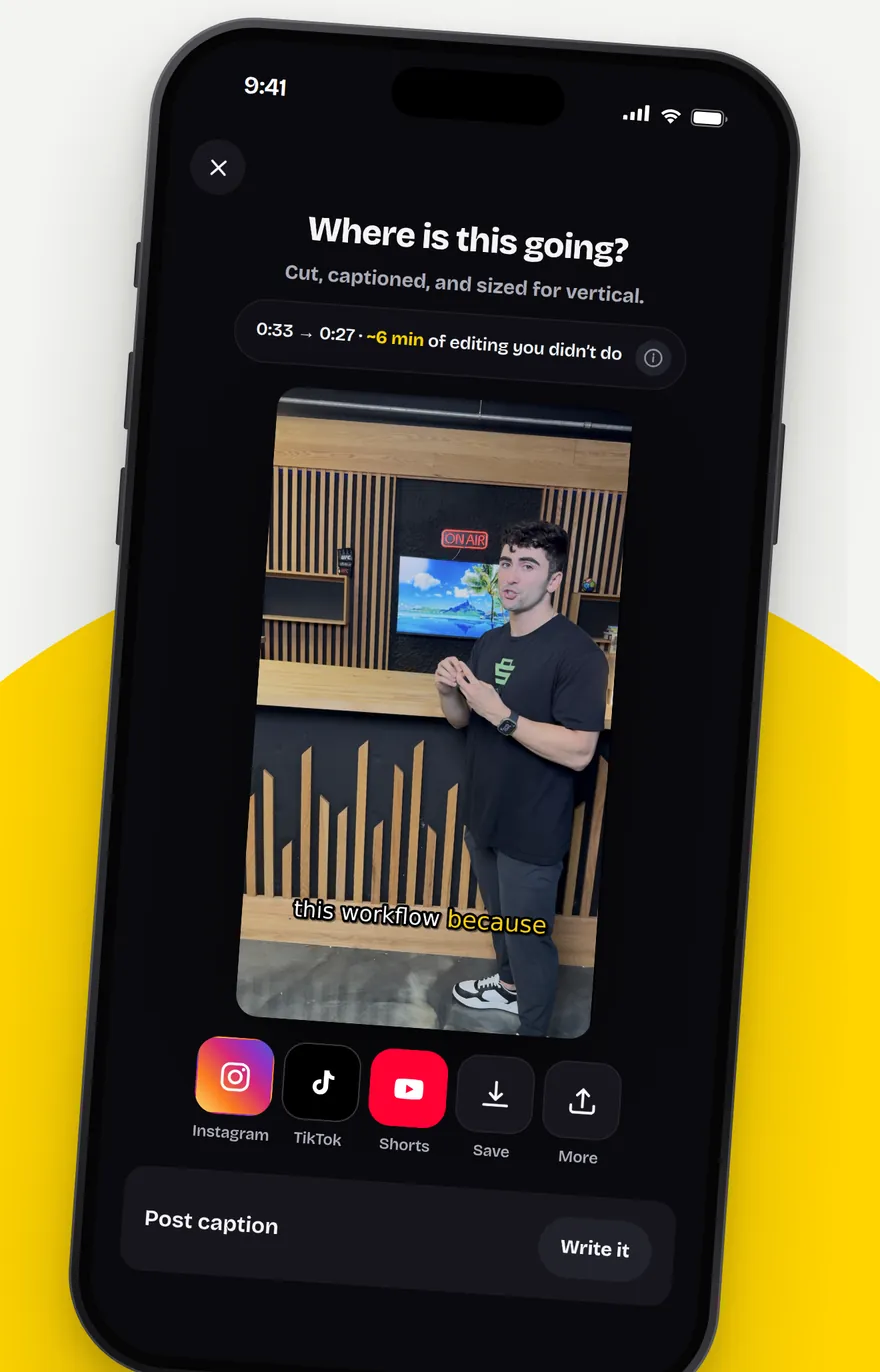
3Post it
Save it to your camera roll, or share it to TikTok, Instagram or anywhere else you post.
Five ways to make a video
However you film, there’s a way in.
Multi-Clip or Separate Videos?
Multi-Clip: several clips, one video.
Film the intro, the middle and the ending whenever suits you. Rant joins them in your order and edits them into one finished video.
Separate Videos: several videos, each one finished.
Upload up to eight different videos at once. Rant edits each one on its own and hands every one back as its own video.
Your style
Make it look like you.
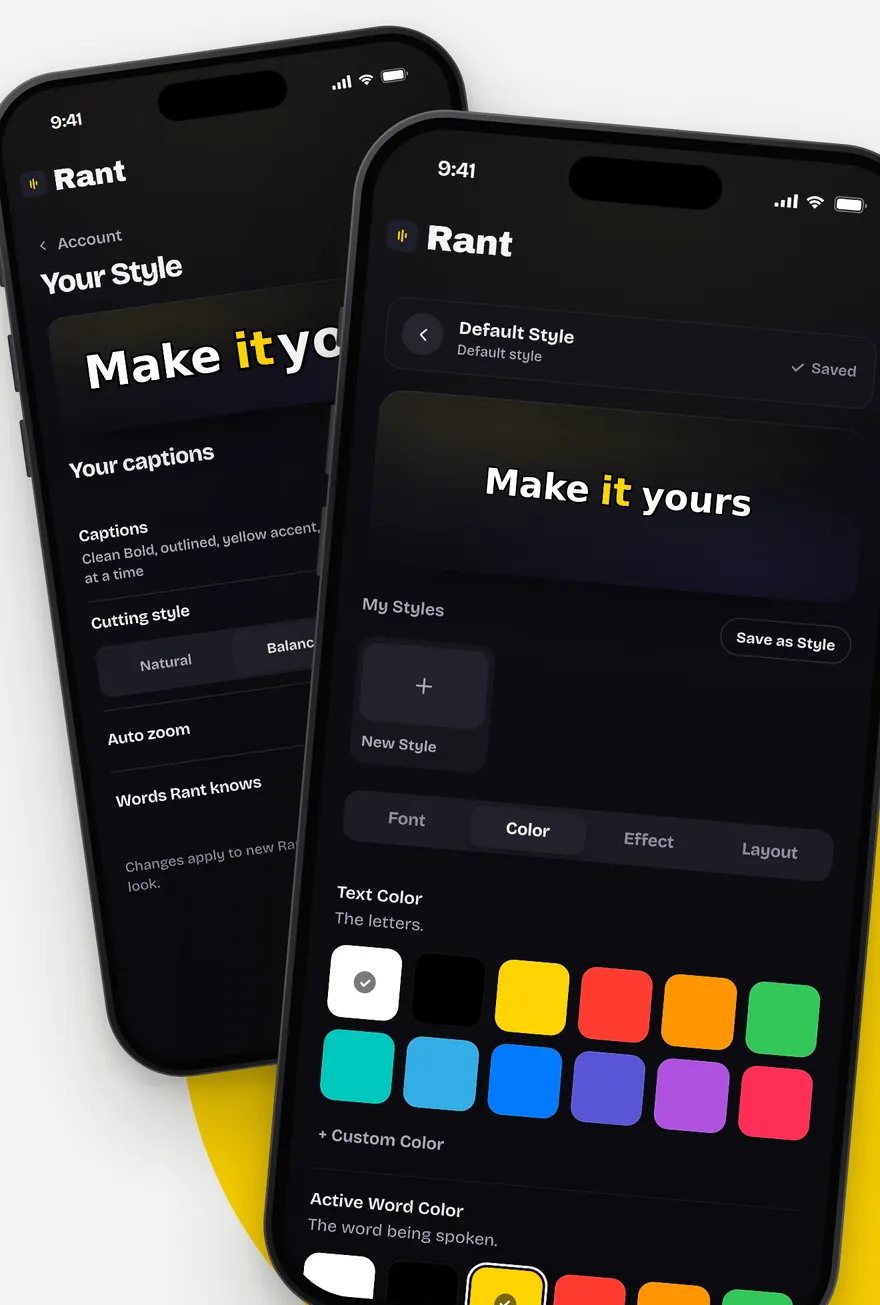
Your font, your colours, your caption style. Find your look once and save it, and Rant uses it whenever captions are on.
- FormatVertical, sized for TikTok, Reels and Shorts
- CaptionsIn your style, or off
- LengthUp to 15 minutes a clip
- Where it goesYour camera roll, or straight to the app you post on
Pricing
One plan. Everything in it.
Rant Pro is every way to make a video. Pay monthly or yearly through the App Store.
- Cut the busyworkClean up filler words, pauses, and retakes.
- Create your wayRecord, script, narrate, or work with clips.
- Make it yoursStyle captions, add text and overlays, and fine-tune your cut.
New subscribers may be offered a 7-day free trial. Apple decides who qualifies, and the App Store shows the offer on the purchase sheet before you confirm anything. If no trial is shown, you are subscribing at the price above.
Prices in US dollars. Payment is charged to your Apple Account. Rant Pro renews automatically unless it is cancelled at least 24 hours before the end of the current period. Manage or cancel any time in Settings, under your name, then Subscriptions. See the Terms and the Privacy Policy.
Questions
Good to know.
Will it cut things I meant to say?
Rant looks for hesitations, restarts, retakes and dead air. If it takes out something you wanted to keep, tap the word in the transcript to put it back before you save.
What's the longest video I can upload?
Up to 15 minutes a clip. Rant is made for talking to camera, and most people use it for short videos meant for TikTok, Reels and Shorts.
Do I need to be good on camera?
No. The more you stumble, the more there is for Rant to take out. Talk the way you normally would and let Rant tidy it up.
How does the free trial work?
New subscribers may be offered a 7-day free trial through the App Store. Apple decides eligibility, so the purchase sheet always shows exactly what you are agreeing to before you confirm. Cancel at least 24 hours before the trial ends and you are not charged.
How do I cancel?
On your iPhone, open Settings, tap your name, then Subscriptions, and choose Rant. Cancelling stops the next renewal and you keep Rant Pro until the end of the period you paid for.
Is Rant on Android?
Not yet. Rant is made for iPhone. If you already have a Rant account from the web, you can still sign in here.
You talk.
We cut.
Your next video, without the editing.